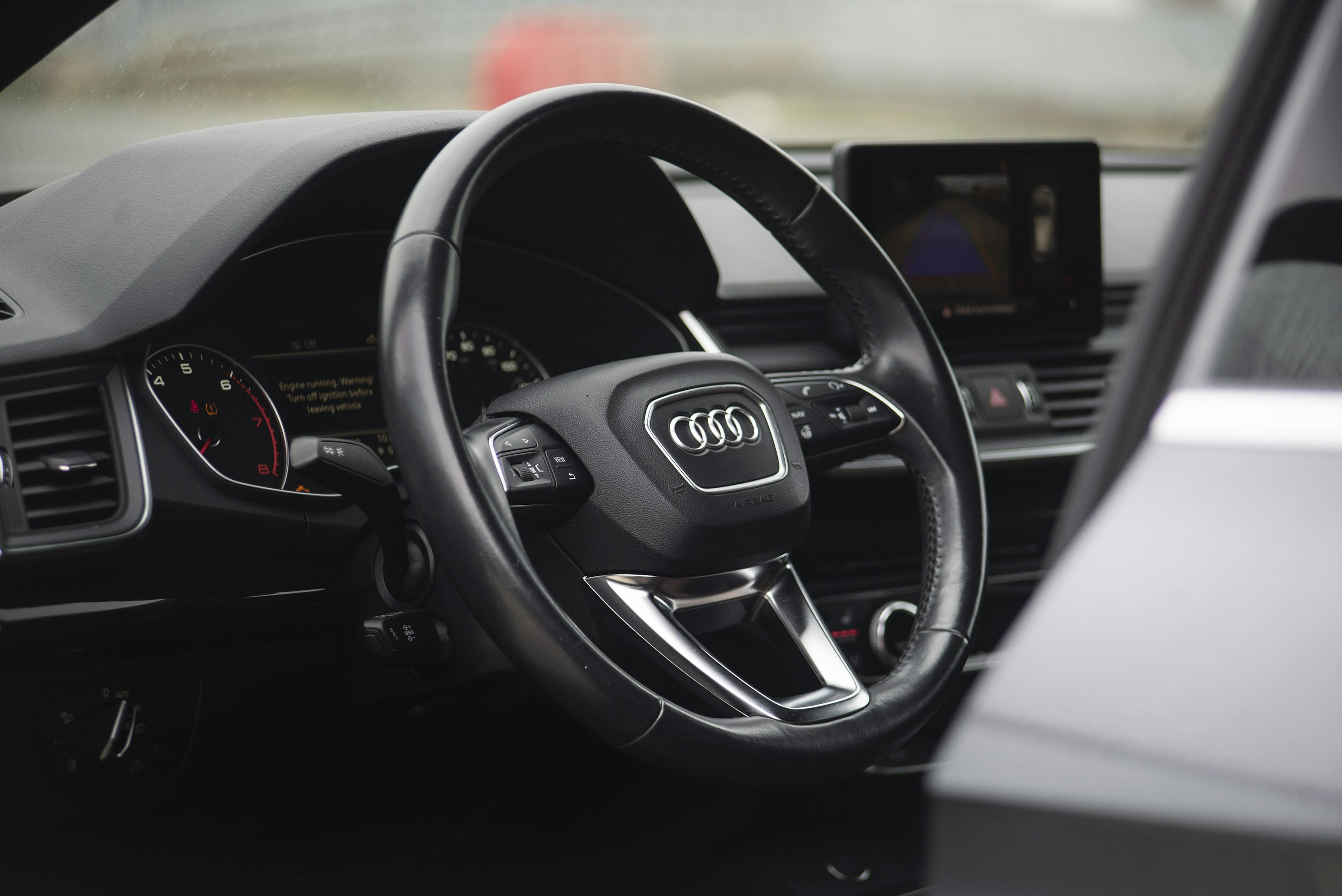
Audi Parking System Plus provides parking-distance warnings; Park Assist adds assistance with manoeuvring; 360-degree cameras provide views around the car. These names describe different capabilities, even when Audi bundles them into one package. A car with front and rear sensors does not automatically have self-steering parking or a bird’s-eye camera view.
That distinction matters when comparing used cars. An advert may say “parking assistance” without explaining whether it means a warning beep, a camera or a system that steers into a space. Ask for the precise equipment description, then see it demonstrated.
Parking System Plus: information to help you park
In Audi's assistance-systems guide, Parking System Plus uses ultrasonic sensors to provide audible and visual information about detected obstacles. The display represents distances; it is not itself a live camera image.
When viewing a car, distinguish the graphic of the vehicle and coloured distance segments from footage of the space behind it. Both can appear on an infotainment screen, and both can be described loosely as a “parking display”. Only one proves that a camera is showing that particular view.
Park Assist: help with the manoeuvre
Conventional Audi Park Assist can identify suitable parking spaces and control the steering during a parking manoeuvre, while the driver handles other tasks. Newer systems bearing names such as Park Assist Plus or Remote Park Assist Plus may have broader capabilities. The exact operating responsibilities depend on the model and system.
Audi's technology guide distinguishes conventional Park Assist, where the driver accelerates, brakes and changes gears, from Remote Park Assist Plus. Do not transfer the capabilities of a newer remote-parking demonstration to an older car bearing a similar feature name.
The practical question is therefore more specific than “does it park itself?” Ask which parking movements it supports, which controls the driver must operate, and whether any app or service activation is required. Use the manual for that vehicle to establish the answer before attempting a demonstration.
360 cameras: a better view, rather than proof of automated parking
Surround-view cameras combine views from around the vehicle, commonly including a virtual overhead image. This can help you see the relationship between the car, a kerb and nearby obstacles. Audi's technology guide describes selectable views, with additional three-dimensional views on some models.
A reversing camera alone is a different specification. A wide-angle image of the rear bumper does not establish that the car also has front and side cameras. Equally, an overhead view does not prove that the car can control its steering into a parking space.
Think about your own parking problem. If you regularly manoeuvre near a low wall or protect expensive wheels from a tight kerb, camera coverage may matter more to you than automated steering. If your priority is assistance with parallel parking, verify the manoeuvring function itself.
How to check a used Audi in five steps
- Identify the exact car. Record its VIN, model generation and model year. Trim names and package contents can change.
- Read the original equipment description. Look separately for parking sensors, Park Assist, reversing camera and surround-view cameras. Our Audi and Volkswagen PR-code guide explains the role of the manufacturer's equipment codes.
- Compare the correct brochure. Use the document for the vehicle's original market and production period, rather than today's configurator.
- Request a demonstration. Ask the seller to show the actual camera views and the parking-assistance menu, following the vehicle's instructions in a suitable space.
- Reconcile differences. A retrofit, expired activation or faulty component can explain why current operation differs from the original record.
During the demonstration, inspect image clarity and each selectable view. Ask about blank sections, persistent warnings or a function the seller cannot activate. Equipment presence and correct operation are separate questions; a factory record cannot certify the condition of sensors or cameras.
Check whether an activation is involved
Audi's UK Q7 connected-services page lists Park Assist with Parking System Plus as a Functions on Demand offering, with different activation durations. The page explicitly refers to the latest available model year and advises separate checks for older cars.
This does not mean every used Q7 can buy the feature. It means that, where the vehicle is eligible, original equipment and current digital entitlement may need checking separately. Ask for the service status and expiry date for the specific VIN.
Frequently asked questions
Does Parking System Plus include a reversing camera?
Do not assume it does. Confirm whether the car's equipment list specifies a reversing camera or a package that includes one, then check the displayed image.
Does a 360 camera mean the Audi parks itself?
No. Camera coverage and control of the parking manoeuvre are different capabilities. Verify the exact Park Assist system separately.
Can a build sheet prove that every parking function works?
No. It can help establish the recorded factory specification where data is available. Demonstration, service-status checks and inspection establish what works now.
Start with the Audi factory-specification check, then use the used-car specification checklist to compare the record with the car in front of you. Pay for the capability you have verified, rather than an ambiguous line in an advert.